One alert per outage
One message for the outage, one for the recovery. Quiet in between, even if the service is gone for an hour.

A port check reports green as soon as anything accepts the connection. Even when the website only serves an error message with HTTP 200, or the service behind the port crashed long ago. portslie asks the service itself — the website for its content, a game server in its own protocol — and reports what your visitors actually experience.
One check per minute, in time-lapse. Bar height = level reached.
From production 1,870 checks in the last 24 hours 23 incidents in the last 30 days with the port open and a service that did not answer properly (level 1 or 2 of 3) Our own test targets not counted, at most 15 minutes old.
All targets on one page, the last 24 hours per target, all incidents with duration and the exact message.
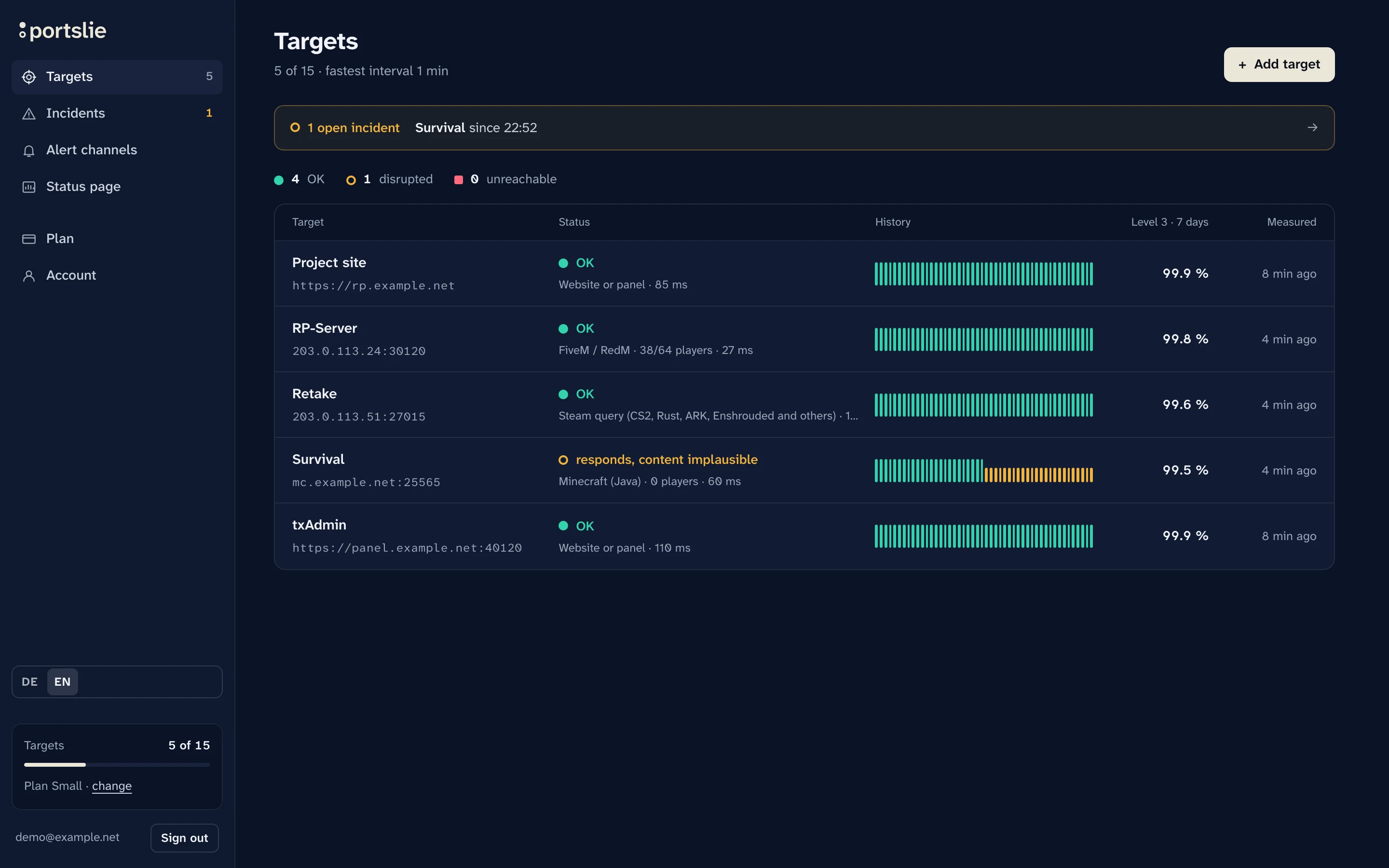
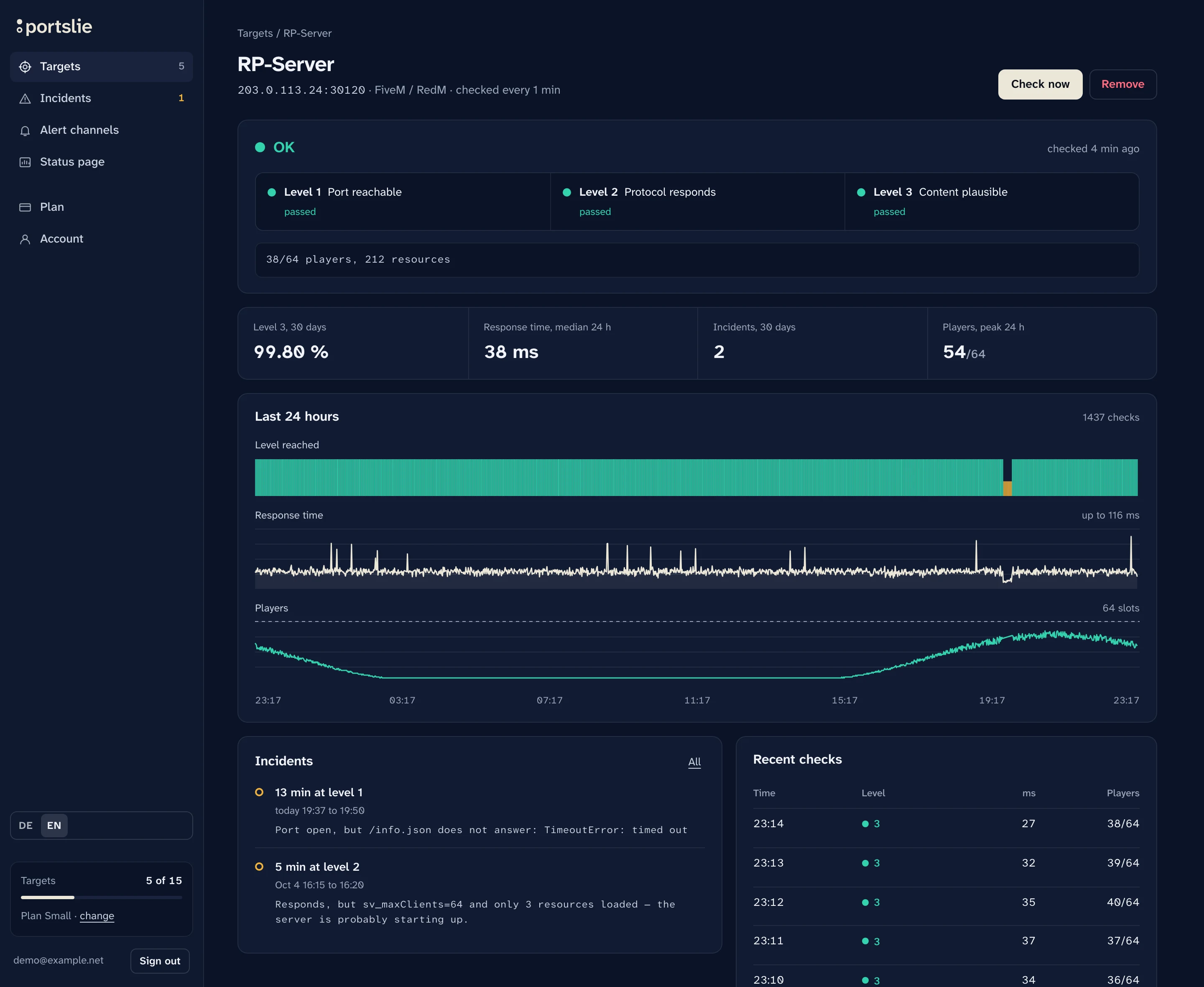
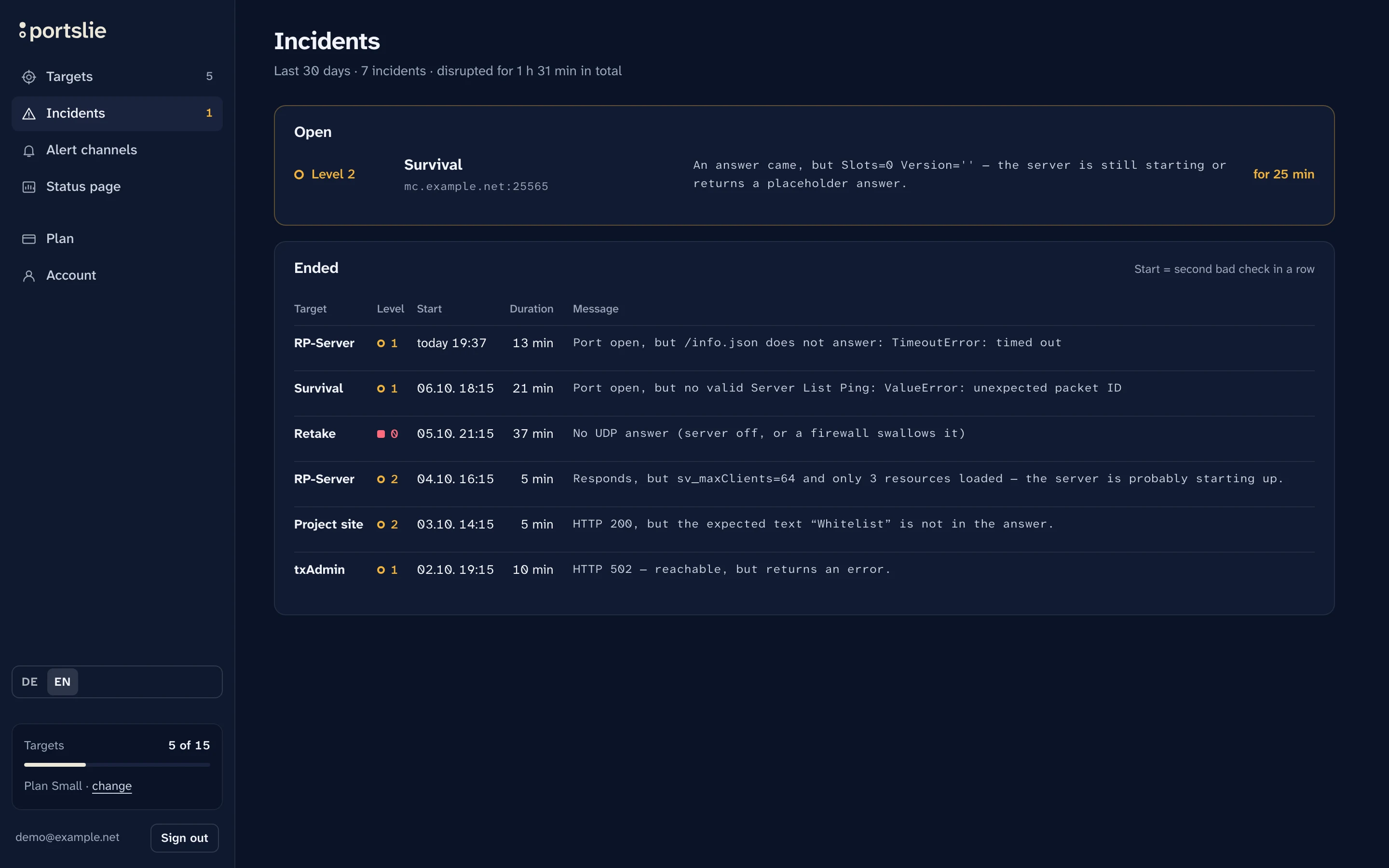
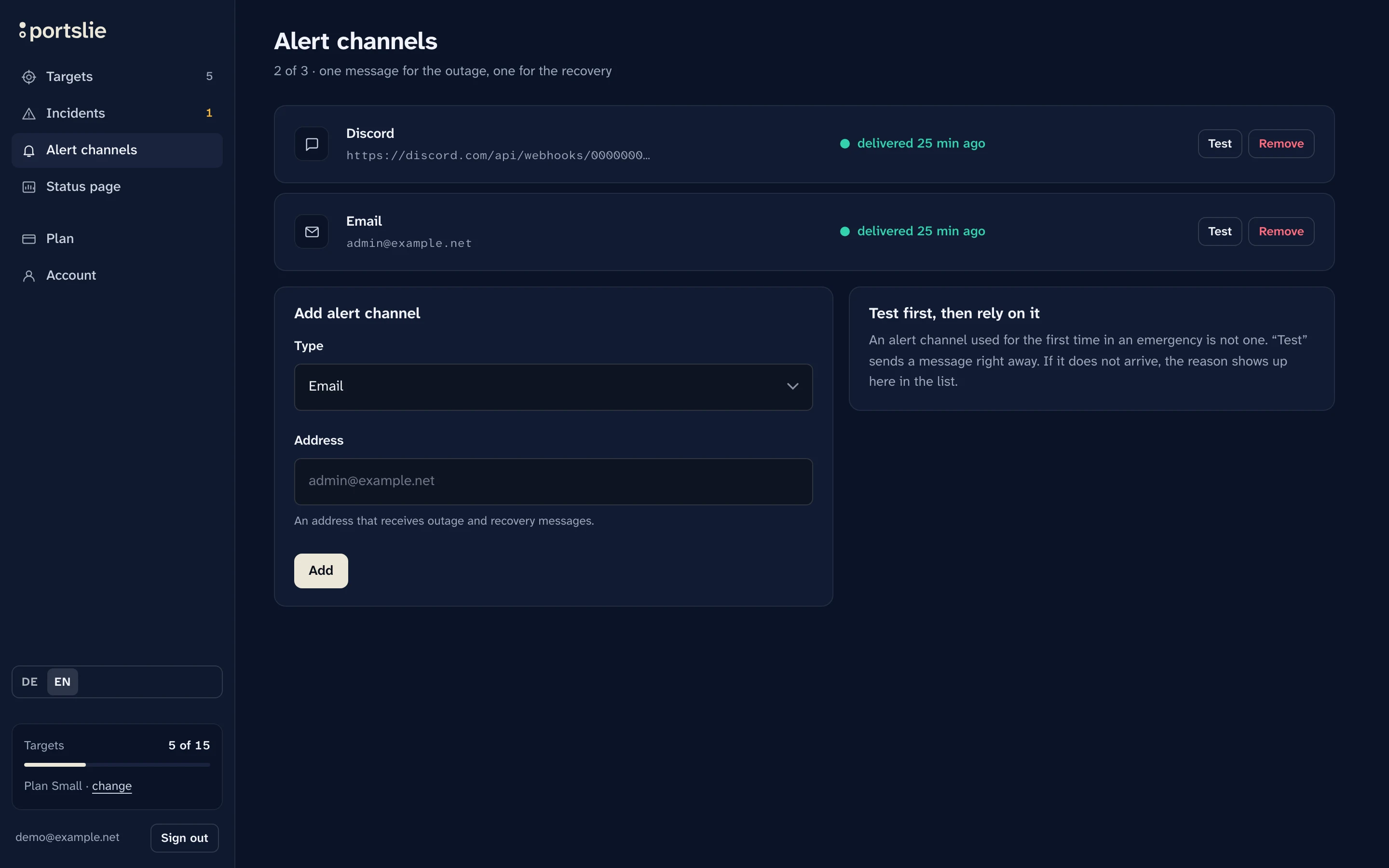
Screenshots of the real interface with sample data. The addresses come from ranges reserved for documentation.
Every account gets a public status page: your name, your logo, your colour, plus history and disruptions. You choose which targets appear. It never shows addresses or ports. If you have your own domain, you can run it under status.deinprojekt.de (Small and Large plans). On your own website you place a small status badge.
All about the status pageportslie asks every service the way visitors or players reach it, at your plan's interval. If a target drops below level 3 twice in a row, exactly one message goes out, to Discord or by email. The all-clear comes as soon as it answers again.
The three levels in detail portslieProbe
What portslie can do today. All of it is built, none of it is an announcement.
One message for the outage, one for the recovery. Quiet in between, even if the service is gone for an hour.
Port, protocol, content. You see how far a service got.
The same query browsers or game clients send.
For almost five days we checked a web server as if it were a Minecraft server (example.com:443). A port check would almost always have reported green.
20–Sep 24, 2026, every 5 minutes · Raw data
All plans measure the same way, on all three levels. They differ in number of targets, interval and history.
Compare plans10 targets are free. You see the first result after the first check.
10 targets · checked every 5 minutes · no payment details